
Animating in Source Filmmaker

Or: How I Learned to Stopped Worrying and Love the Rigs

Source Filmmaker, on the surface, seems to be just like every other animating program you could get. When you start getting into the meat and fat of this program, however, you will soon see how often you can find yourself yelling at a computer screen because a single thing broke that melted down your animation. Whether or not this is a keyframe that went wrong, a transition that stuck through when you did your keyframes, sound being distorted, or any other thing, it's a pain to get back into the animating mood!
  • For the convinence of everyone's sanity, I'll help you go from Point A (the beginning) to Point B (the render) in a nutshell.
  • What you'll need is:

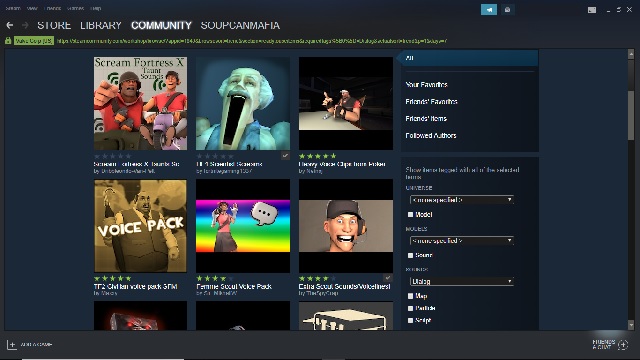
    A normal day in the SFM Steam Workshop
    1. 1. A beefy Windows PC that can run SFM (sorry Mac users)
    2. 2. A Steam account
    3. 3. Access to the Steam Workshop
    4. 4. A lot of time and patience!
    5. 5. And rigs. Lots of them.

    While the Source libraries have an impressive library of sound, if you require something substantially more cartoonish or anything of that sort, you'll need to seek out sounds on your own. They don't usually carry those kinds of sounds on their library, though with the Steam Workshop, a lot of what was missing can be used. Most of the sound files you'll deal with are WAV files, but I don't recommend trying to impliment your own sounds, unless you want to hear screeching white noise output.
    Let's begin!

    1. 1. Start up Source Filmmaker. If you encounter a screen that says "No Map Loaded!", it'll be fine. Just load in a map and it'll go away.
    2. 2. If you downloaded new models or sounds in your SFM, wait for the new data to be properly processed into the SFM folders.
    3. 3. After the map has loaded, move your camera to where you want to do your scene(s) and switch over to your Work Camera.
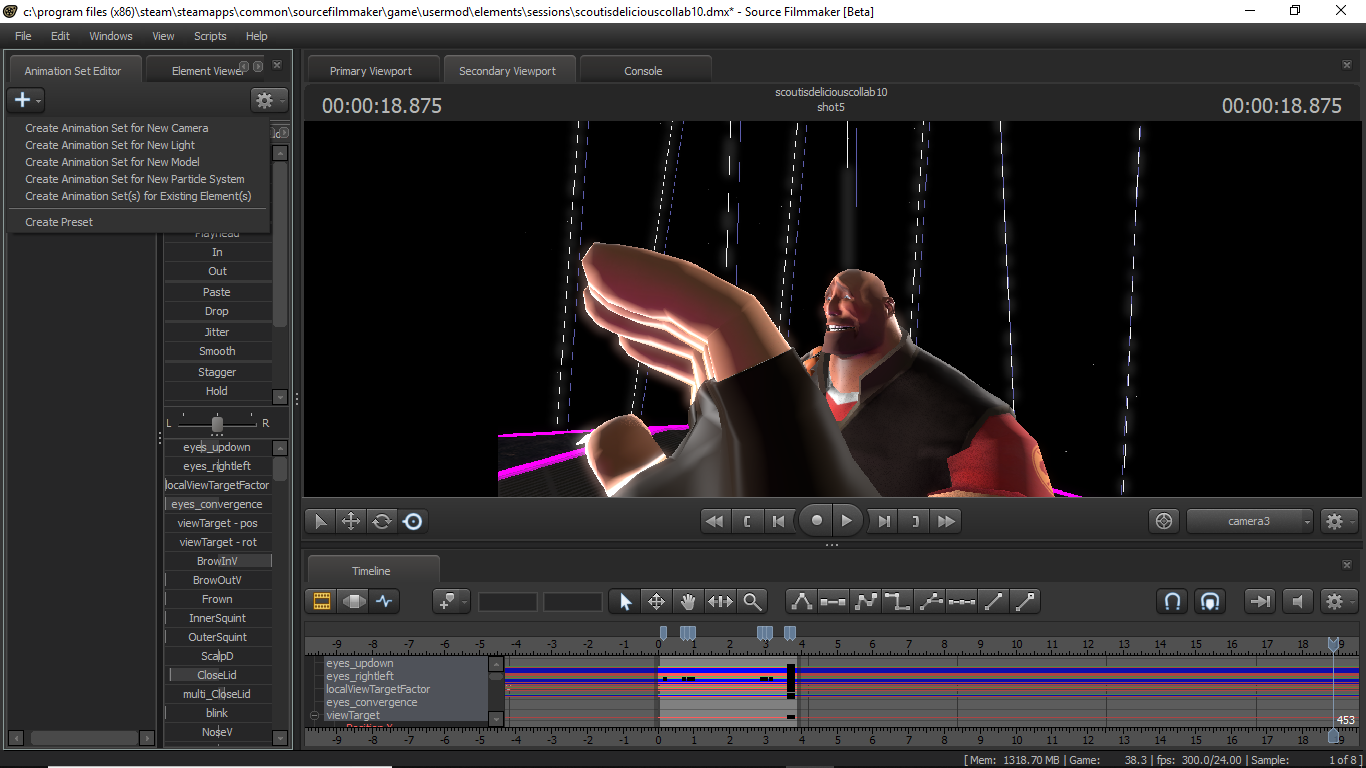
    4. 4. Now, load up a character model from the upper left plus button, select "Create New Animation Set for Models". There will always be over a thousand different models, so be patient and let it load out.
    5. 5. Select the model that you want to use, and load it into the scene at large.
    6. 6. At this point and time, using SFM is more about trial and error. However, if you want to animate well, I would highly suggest using a model's IK-Rig if there's one. It's possible to animate using the normal bones, though the time spent on it will be longer than normal. You can always right click in the Animation Set Editor and have it show the bone controls as well as the rig controls, which is useful if you want to put accessories on characters.
    7. 7. One of the few habits I would get into is to use the Heiarchy control setting. In this form, all light and cameras will automatically arrange themselves into a master Light and Camera heiarchy. You can also manually add in models that are relevant to one another into a heiarchy (for instance, a Scout wearing sunglasses and a jacket).
    8. 8. The Clip Editor is primarily used to designate time to a clip or a scene, add in overlays, and add in sound. The Motion Editor and Graph Editors will be where most of the actual animating will take place. Motion Editting is useful to edit a character already in motion, though the Graph Editor, when mastered, takes the cake as one of the most useful areas for animating in a pose-to-pose fashion.
    9. 9. There's no shame into looking up YouTube videos if you need help with key shortcuts and tips for making your animation better. For me, the majority of my stuff came from people who took the time to make tutorials about the stuff I've been talking about!
    10. 10... Just animate however you want to do it! Whether it'd be pose-to-pose with keyframes in the Graph Editor or with transitional periods in the Motion Editor, you'll do great stuff!
    11. 11..? After you're done, whether it's an hour or a year, export the movie out as whatever file you want, and then give yourselves a pat on the back. You've made your first movie in SFM! Now if you like it, you can pursue animation or if you don't like it, you can always make good pictures using the models and lighting.
    This was a project I've finished recently